English teacher for YouTube

An English teacher who knows the video you're watching.

Open a YouTube video you actually want to watch. Lex builds its own subtitles for it — punctuated, readable, clickable — and puts a teacher beside you who has that video in context, ready for anything you want to ask, by typing or out loud.

Installing is free, and so is the account.
youtube.com/watch
Lex

A tutor usually costs $15 to $40 an hour.

Lex is there whenever you open YouTube. No schedule, no booking, no monthly charge — just what's on your balance.

Getting started

Three steps to get started

01

Add it to Chrome

Install the extension and make an account. Both free.

02

Put money on your balance

$10 is the usual top-up. It lasts a long time, and it never renews on its own.

03

Open a video and start Lex

Any YouTube video you find interesting. Your subtitles come up, and the teacher is ready to work with what's in it.

Inside Lex

What you actually get
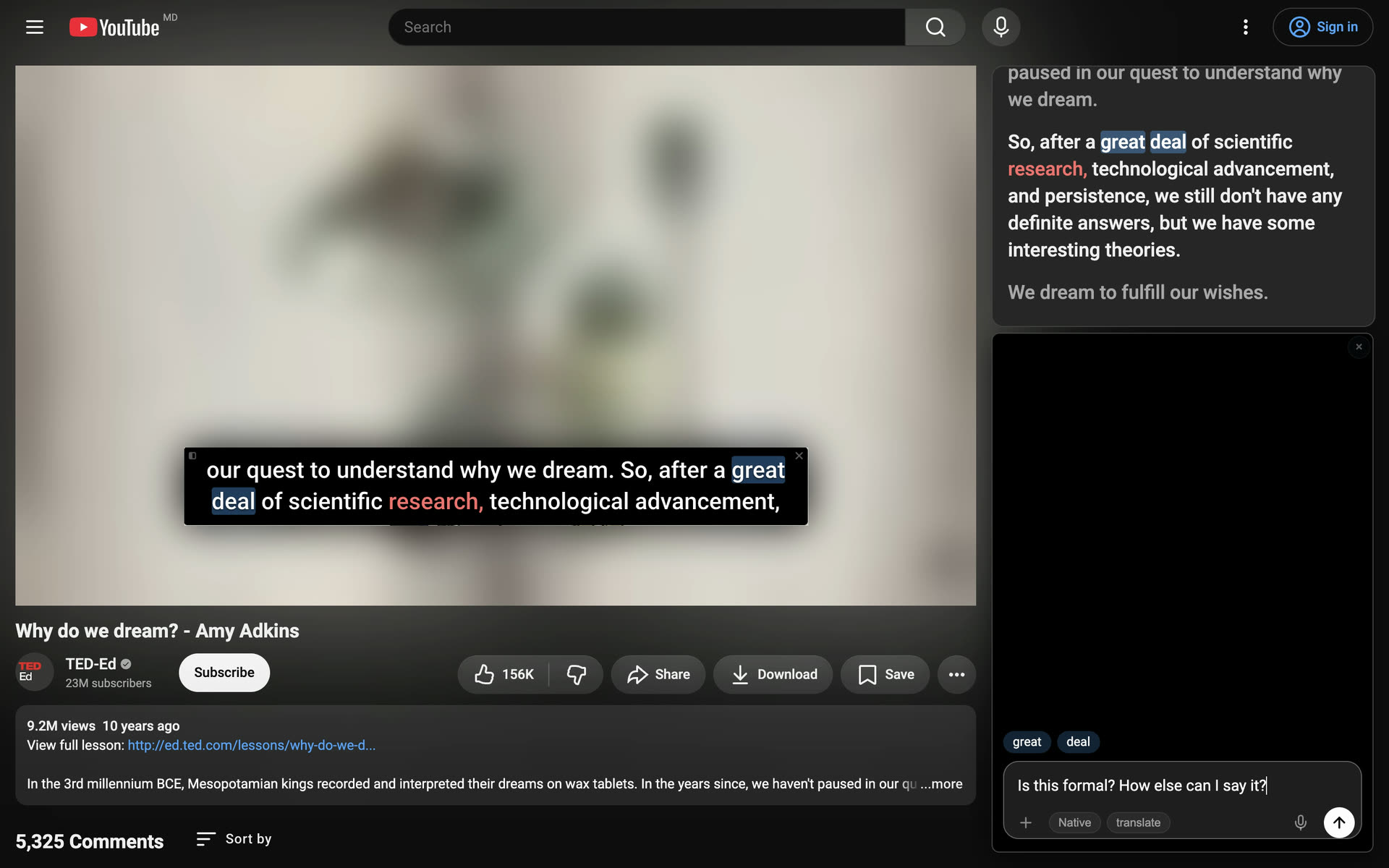
A real lesson in one minute: the spoken word lights up as the video plays, you tap the words you want, ask, and compare answers from two AI models.
Subtitles worth reading

Subtitles worth reading

Lex builds its own subtitles for the video — real sentences, real punctuation, easy to follow. Click a line and the video jumps back to that moment.
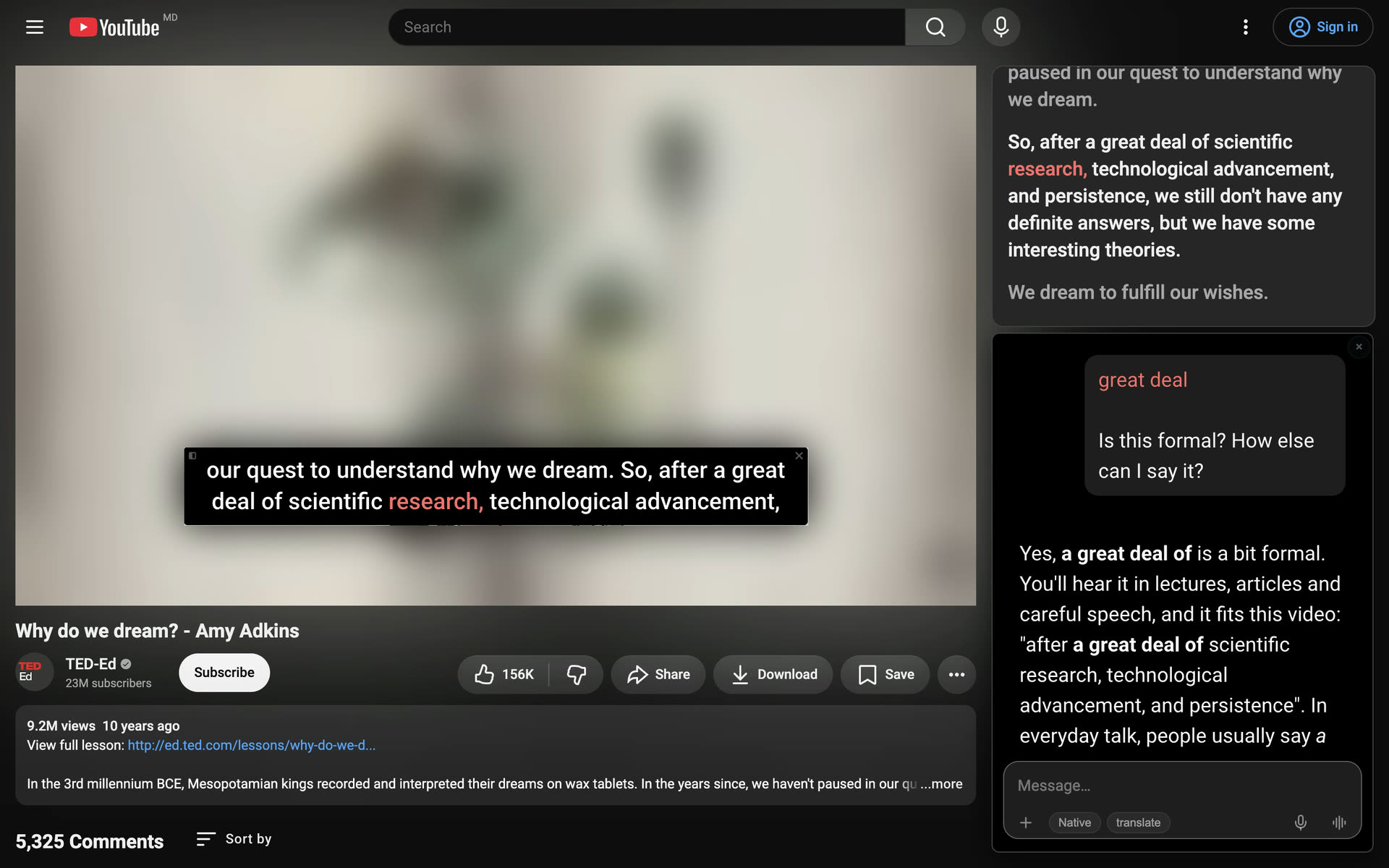
A teacher who has the whole video

A teacher who has the whole video

The chat has the video and its subtitles in context, so “what did she mean by that?” is already enough to go on. In a hurry, click a word right in the subtitles — it's a shortcut for the same question.
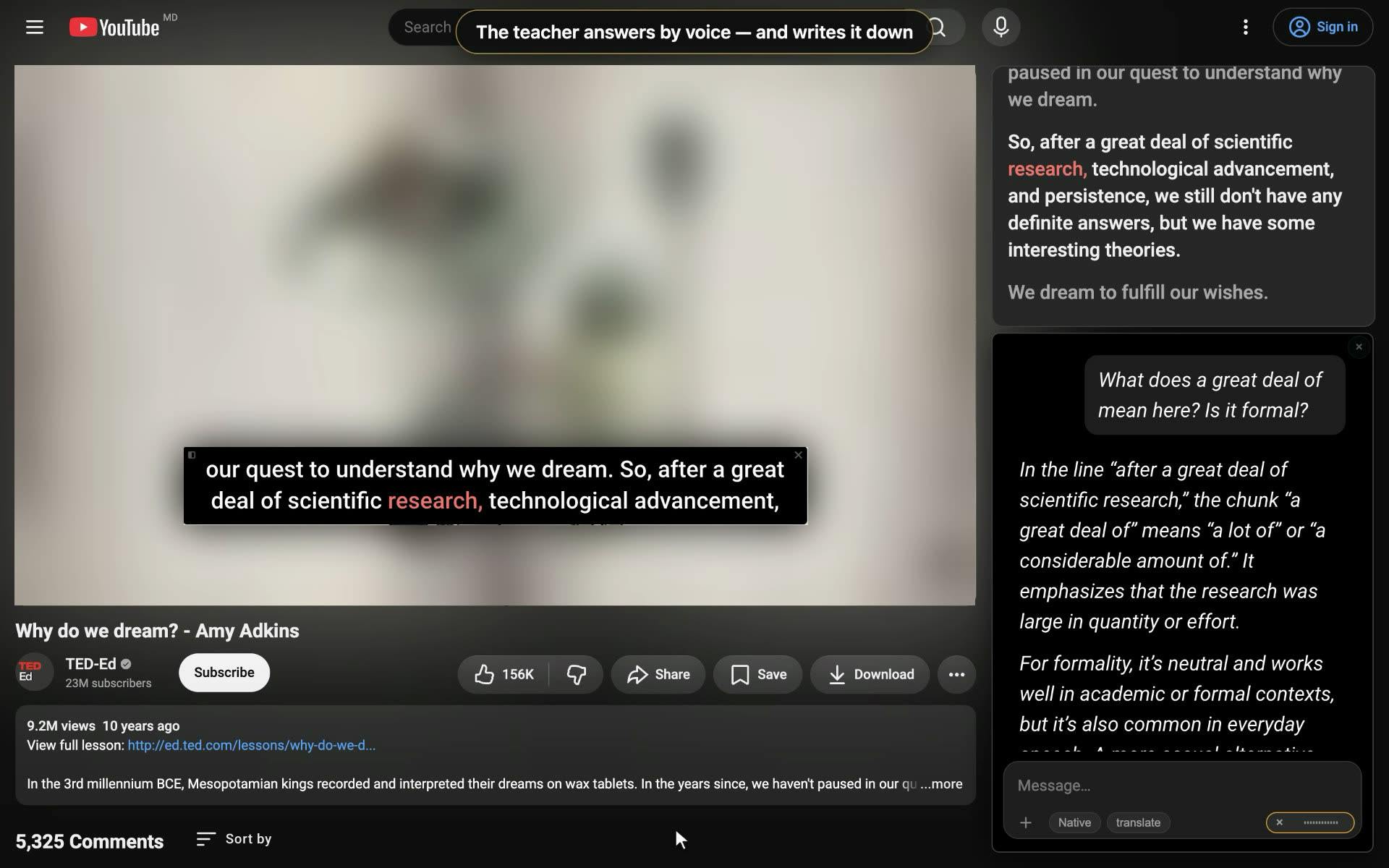
Or say it out loud

Or say it out loud

Switch to voice and talk to the teacher about the video. Same context, but now you have to speak the language, not just recognise it.
Talk out loud. Two spoken questions about the video — the teacher answers by voice and writes everything down in the chat. Turn the sound on.
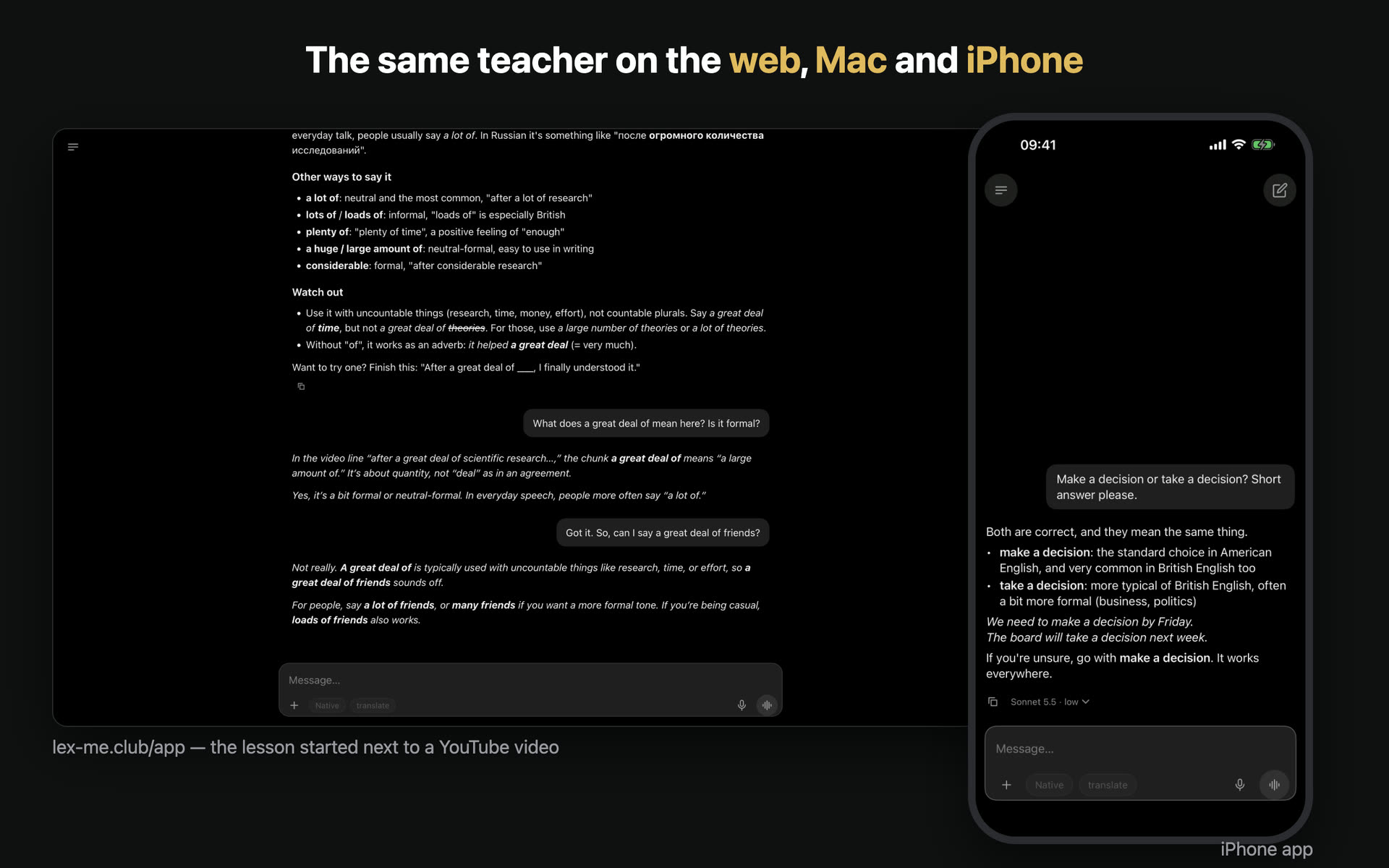
Not only in the browser.
Not only in the browser. The lesson you start next to a video continues in the web version at lex-me.club/app. Apps for Mac and iPhone are in testing.

Recorded in Lex as it is today. The picture of the video is blurred on purpose — it belongs to its author; everything sharp is Lex.

Honestly

Lex next to a human tutor

Lex
When
Whenever you open YouTube. Nothing to book.
What you study
The video you were already going to watch.
What it costs
A prepaid balance you top up when you feel like it.
Patience
Ask five times. The fifth answer is as patient as the first.
A human tutor
Hours you agree on together, week by week.
A plan built for you, with a sense of where it's going.
Usually $15 to $40 an hour, often paid in blocks.
Patient too, but you can feel the clock running.

Lex does not replace a good teacher, and it would be dishonest to say otherwise. A person hears the thing you didn't say. They notice you've been quietly avoiding a whole tense for a month. They push you on a day you'd rather not be pushed. Lex won't do any of that. What it will do is be there for all the hours in between — on the video you actually wanted to watch, with nobody else around to ask. If you already have a tutor, keep them.

Pricing

You top up. You spend it. That's the whole model.

No subscription, no plans, no auto-renewal, no card sitting there waiting for the first of the month. You put money on your balance, and it goes down as you learn.

  • ✓ The extension and the account are free — look around before you pay anything.
  • ✓ $10 is the usual first top-up.
  • ✓ Top up whenever you want more. Nothing renews on its own.
  • ✓ Lessons need a positive balance. At zero, nothing is charged — top up again, or don't.
Your balance
$10.00
spend it as you learn · no renewal date

Open the next video with a teacher sitting next to you.

Same YouTube, same video you were going to watch anyway. Only now there's someone there who knows the language and knows how to explain it.